Settings
Settings has six tabs. Owners can change everything; members can view most tabs and change their own password.
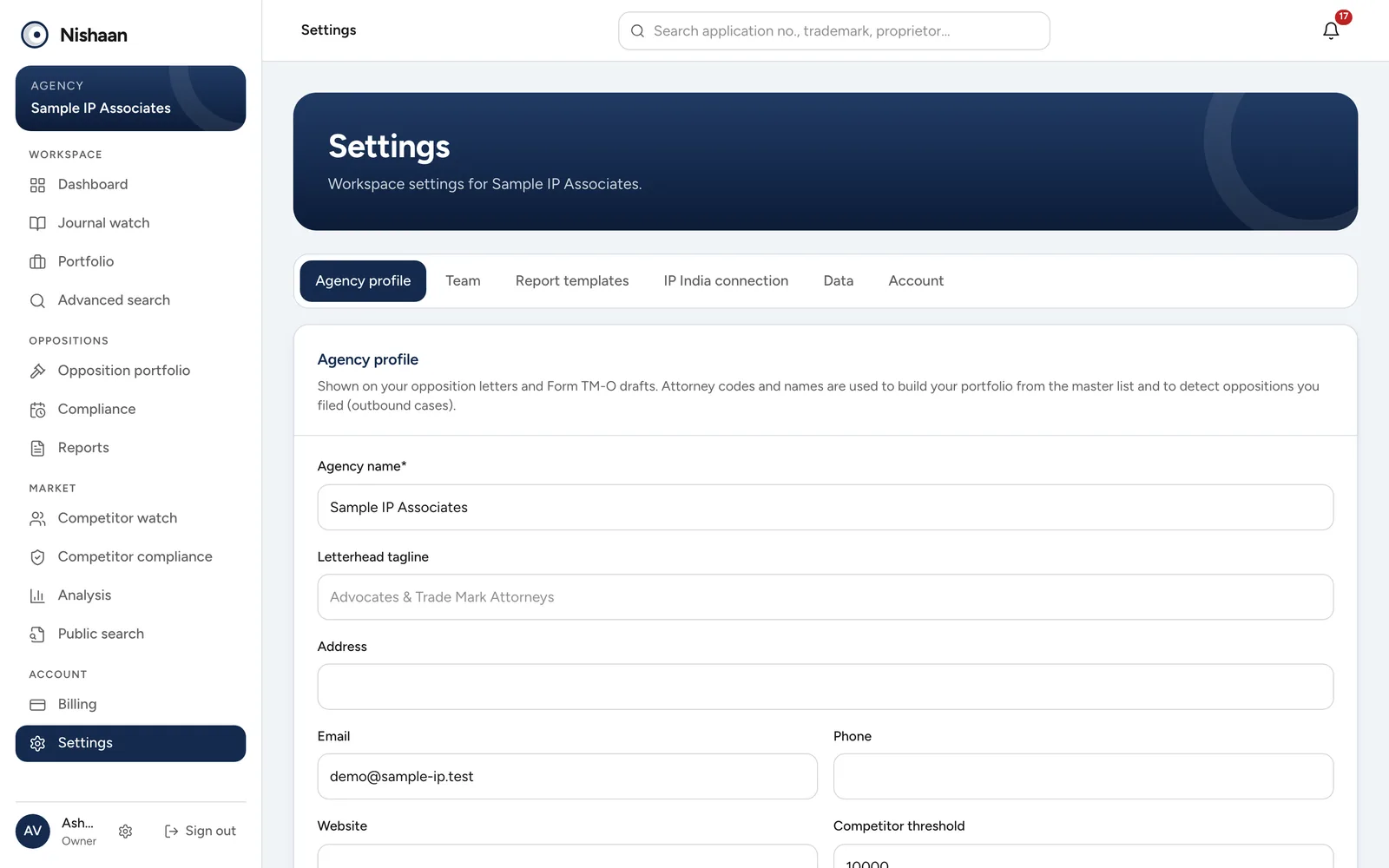
Settings opens on Agency profile. The tabs along the top lead to Team, Report templates, IP India connection, Data and Account.
Agency profile
| Field | Used for |
|---|---|
| Agency name, tagline, address, email, phone, website | The letterhead on letters and Form TM-O drafts |
| Attorney / agent codes | Finding your firm's applications for the portfolio |
| Attorney names | Finding your firm's applications and the oppositions your firm filed |
| Competitor threshold | Which attorneys count as high-volume in Competitor watch |
Write attorney names exactly as the e-Register shows them. Separate several names with a semicolon.
Team
Owners add a colleague with their name, email, a starting password and a role. Give the colleague the password so they can sign in and change it. Remove a colleague with Remove and confirm. Your plan sets how many users you can have; see Plans and billing.
Report templates
There are two Word templates: the recommendation letter and the Form TM-O draft.
To use your own wording or layout:
- Download the current template.
- Edit it in Word. Keep the placeholders in curly braces where you want the details to appear, for example {journalTmName} for the conflicting mark or {oppositionDeadline} for the last date to oppose.
- Choose Upload .docx and pick your file.
The page lists every placeholder. Reset goes back to the built-in template.
IP India connection
See IP India connection.
Data
Sync portfolio from attorney codes and Sync oppositions from the register do the same as the buttons in Portfolio and Opposition portfolio. Both also run by themselves whenever new data arrives.
New public data (journals, notices, hearings) is loaded by the Nishaan team. See Where the data comes from.
Account
Change your password here.